Smart TV Apps vs Streaming Devices: Which Is Better?
Compare built-in smart TV apps with external streaming devices for speed, updates, privacy and cost.
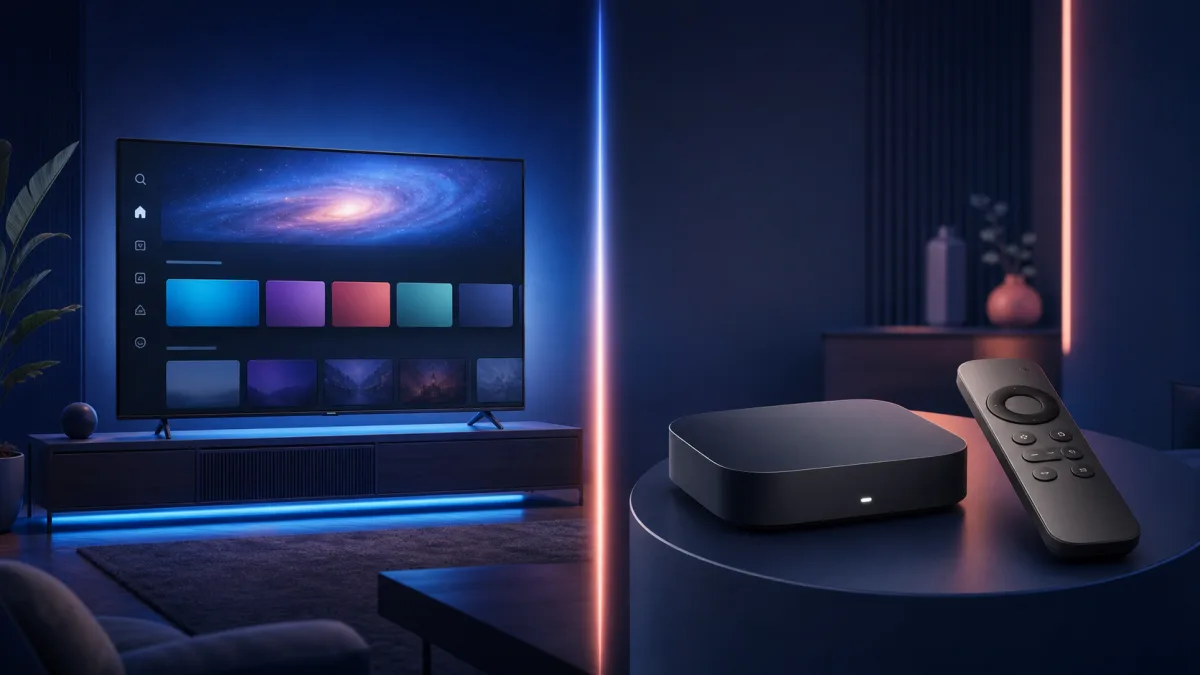
Built-in smart TV apps and external streaming devices can deliver the same programs, but the experience may differ in speed, software support and connectivity. The right answer depends more on the television's age and your apps than on the logo printed on the device.
When built-in apps are enough
Keep using the TV platform when it launches quickly, receives updates and supports every service you need. It avoids another HDMI input, power cable and remote. Modern televisions may also integrate picture modes more cleanly with their own applications.
When an external device makes sense
An external player can refresh a slow interface without replacing a good screen. It may offer a broader app store, longer software support, more responsive search and an optional Ethernet connection. It is also easier and cheaper to replace later than the entire TV.
| Decision factor | Built-in smart TV | External device |
|---|---|---|
| Initial cost | No additional purchase | Hardware and possibly an adapter |
| Cables | Minimal | HDMI and power |
| Upgrade | Usually tied to the television | Easy to replace independently |
| Performance | Varies widely by model and age | Can improve a slow older TV |
| Apps | Platform-specific | Platform-specific; verify before purchase |
Check compatibility before paying
Confirm the app, region, HDMI port, 4K/HDR formats, audio system and Wi-Fi environment. For 4K playback, Google documents the need for compatible 4K equipment, HDCP 2.2 and at least 20 Mbps for its streaming hardware. Other services and devices publish their own requirements.
Privacy and account safety
Review privacy controls on either platform, disable advertising personalization when desired, install apps only from the official store and remove accounts before selling a device. Keep both the television firmware and streaming apps updated.
Bottom line
Do not replace a responsive TV platform without a specific reason. If apps crash, updates have stopped or navigation is consistently slow, an external device is a focused upgrade. Use our streaming device buying guide to compare the features that matter.
Picture and audio troubleshooting
If a new device shows a blank screen, confirm that the selected HDMI port supports the required HDCP version and that any receiver or soundbar in the chain is compatible. Test the device directly on the television before replacing cables or hardware. For audio delay, first disable unnecessary processing and compare the TV speakers with the external sound system.
One remote or two?
HDMI-CEC can allow a streaming remote to control television power and volume, but manufacturers use different names for the feature. Enable it cautiously if devices switch inputs unexpectedly. Keep the original television remote available for picture, accessibility and broadcast settings.
Frequently asked questions
Can an external player make the picture sharper?
It can provide a higher-quality source or better app, but it cannot add real detail beyond the TV panel and source stream.
Should I delete unused smart TV apps?
Removing unused apps may free storage and simplify the interface. It will not repair a weak internet connection.
Is a streaming box safer than a smart TV?
Security depends on update support, configuration and account practices. Whichever platform you choose, keep it updated and avoid unofficial applications.