Best Mesh Wi-Fi Setup for Live TV Streaming
Plan mesh Wi-Fi node placement, backhaul and TV connections for stable live streaming throughout a larger home.
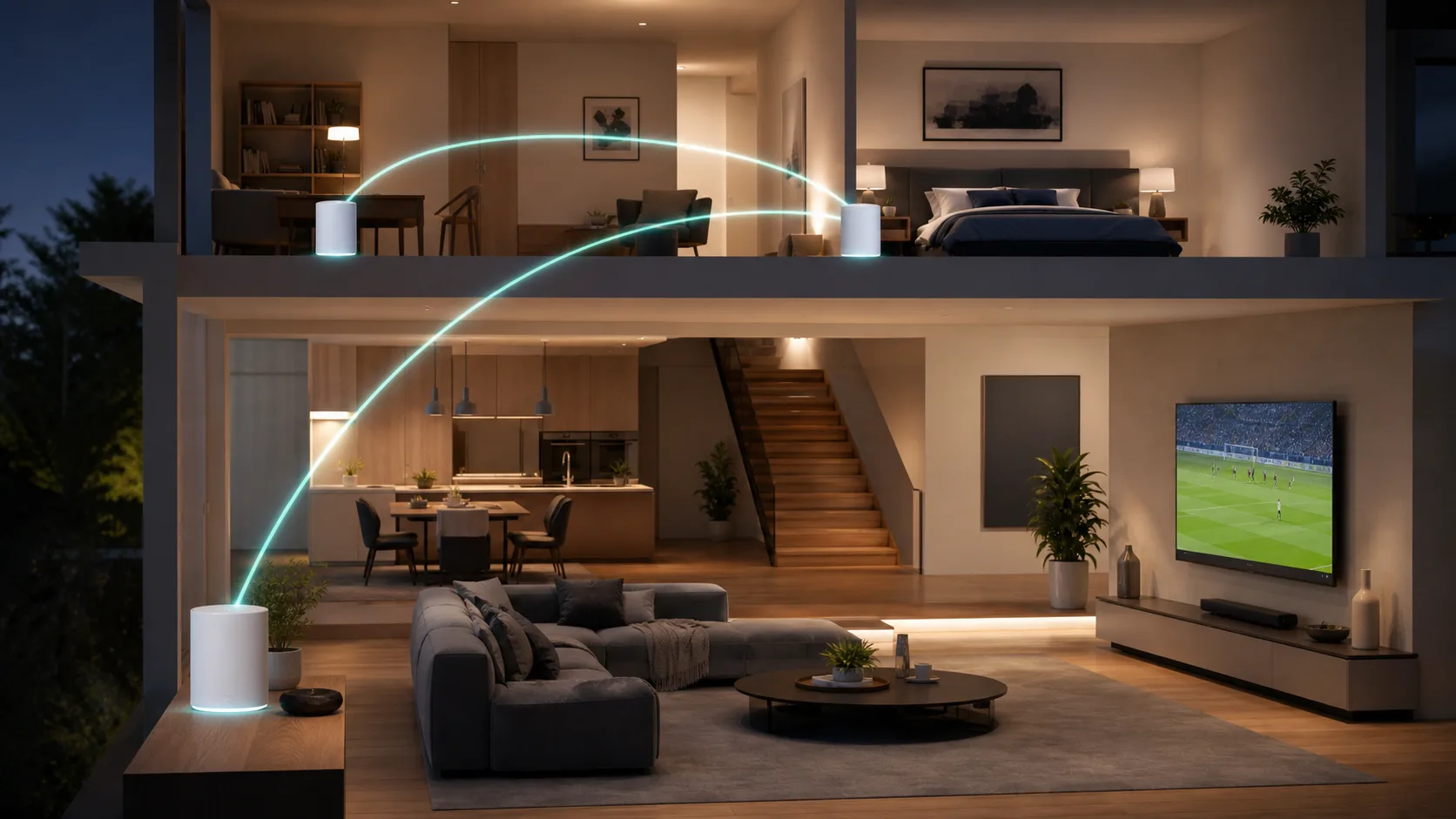
A mesh Wi-Fi system can improve coverage in a larger home, but adding more nodes does not automatically create a faster network. Each node needs a strong connection back to the main router. For live television, the goal is not maximum signal bars in every corner; it is a stable path from the internet connection to the television.
When mesh Wi-Fi is the right tool
Mesh is useful when one router cannot cover multiple floors, long hallways or rooms separated by dense walls. A smaller apartment may perform better with one well-positioned router. If a temporary Ethernet cable immediately fixes the stream, the local Wi-Fi path is the likely problem and a mesh system, wired access point or permanent cable may help.
Start with the main router
Place the primary node in an open, elevated position near the center of the usable area when the incoming cable allows it. Avoid cabinets, metal shelving, large mirrors and the space directly behind a television. The first node cannot distribute a connection it does not receive reliably, so confirm wired internet performance before expanding the network.
Place satellite nodes between, not inside, dead zones
A wireless satellite should sit where it can still receive a strong signal from the main node or another approved upstream node. Moving it into the room with no service may be too far. Start around halfway between the primary router and the problem area, then use the system's placement indicator and real streaming tests to adjust it.
| Placement | Likely result |
|---|---|
| Open hallway between rooms | Good path to both the router and nearby devices |
| Inside a closed cabinet | Reduced signal and more heat |
| Directly beside thick concrete or metal | Signal loss or reflections |
| Deep inside an existing dead zone | Strong-looking local Wi-Fi with a weak backhaul |
Use wired backhaul when practical
Wired backhaul connects mesh nodes with Ethernet and leaves more wireless capacity for phones, televisions and computers. It is especially useful between floors or across walls that weaken radio signals. Confirm that the mesh system supports Ethernet backhaul and follow its official port and topology instructions. A cable run is less convenient initially, but it is usually easier to diagnose later.
Connect a fixed television intelligently
If a nearby mesh node has an Ethernet port, connecting the TV or streaming box to it can stabilize the final link, even when that node uses wireless backhaul. A full wired path from the main router is more predictable. When Ethernet is unavailable, keep the TV away from enclosed furniture and compare the available bands rather than assuming the newest band always reaches farther.
Do not add too many nodes
Extra nodes can create unnecessary wireless competition and confusing device handoffs. Begin with the smallest number recommended for the floor plan. Add another only after measurements show a specific coverage gap. A three-node package is not automatically better than two correctly placed nodes.
Settings to review
- Install stable firmware before evaluating performance.
- Use WPA2 or WPA3 security and a unique administrator password.
- Keep one network name initially so devices can roam normally.
- Enable guest access for visitors and untrusted smart devices when appropriate.
- Use QoS cautiously; confirm that it improves a congested connection rather than merely changing speed-test results.
For router and band details, continue with our Wi-Fi settings guide for streaming.
Test the mesh like a live TV viewer
- Test the incoming connection by Ethernet at the main router.
- Measure beside each node and at the television.
- Repeat during the evening when the network is busiest.
- Watch a live stream for at least 20 to 30 minutes.
- Walk between nodes with a phone to check whether calls or video sessions drop.
- Move only one node at a time and keep notes.
Speed is only one signal. Watch for latency spikes, interrupted playback and whether the TV attaches to a distant node. The mesh application's device list can help identify the active connection.
Mesh, extender or access point?
A basic extender may be inexpensive, but it can add another network name or reduce usable capacity. A wired access point offers a predictable link when cabling is possible. Mesh provides coordinated management and roaming across several nodes. Choose the simplest design that solves the measured problem.
Frequently asked questions
How far apart should mesh Wi-Fi nodes be?
There is no universal distance because walls, floors and radio conditions differ. Place each wireless node where it still receives a healthy upstream signal, then verify performance at the destination room.
Is a mesh node beside the TV enough?
Only if that node has a strong backhaul connection. A node beside the TV can still buffer when its own link to the main router is weak.
Should the TV use Ethernet from a wireless mesh node?
It can remove interference on the final hop and often improves stability. It does not turn the node's wireless backhaul into a wired connection, so test the complete path.
Will mesh Wi-Fi increase my internet plan speed?
No. Mesh can distribute the available connection more effectively, but it cannot exceed the capacity or repair outages of the incoming internet service.